
5 Signs Your Team Has Outgrown Spreadsheet-Based Workflows
October 22, 2026
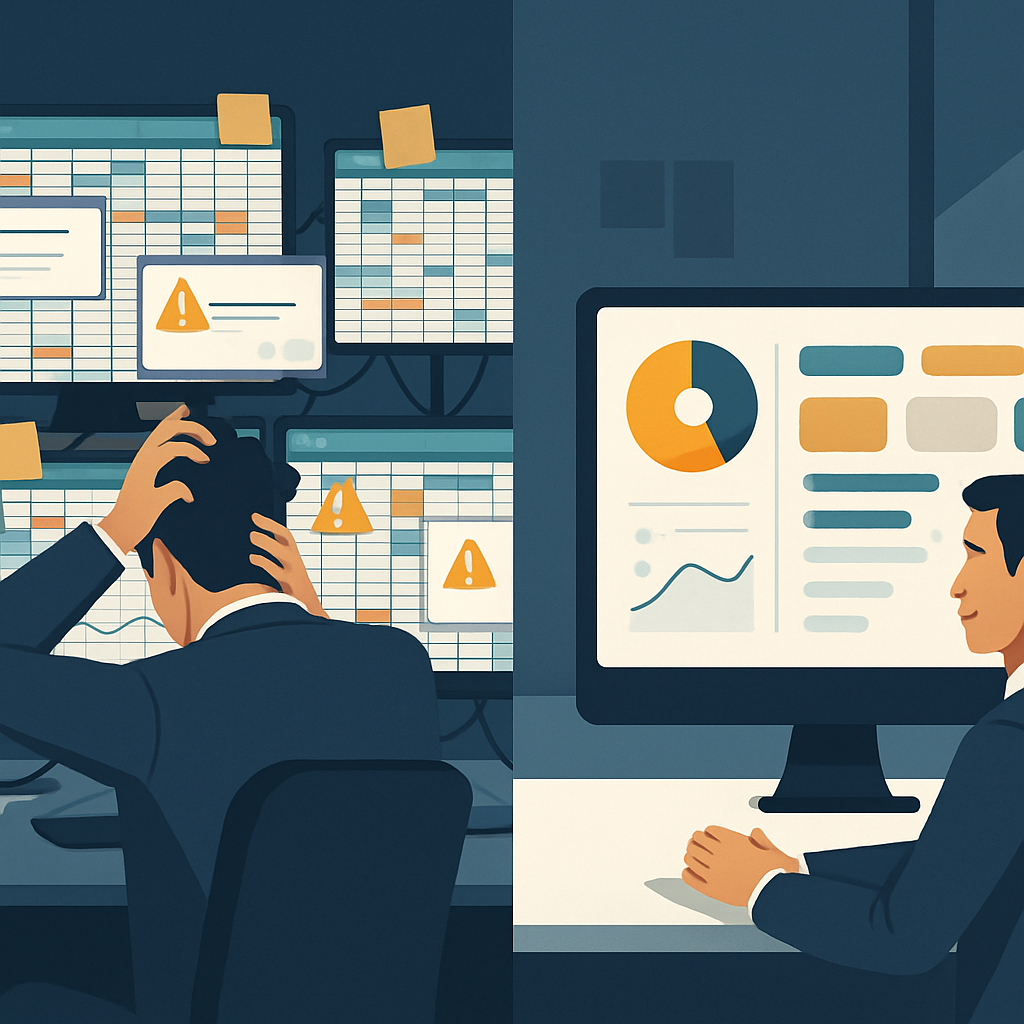 Spreadsheets store data but cannot run processes. This post outlines five specific execution failures, including missed handoffs, stale data, and absent audit trails, that signal a team has outgrown spreadsheet-based workflows.
When Spreadsheets Stop Working
Spreadsheets are a reasonable starting point for almost any workflow. They are flexible, familiar, and free. But there are clear signs to replace spreadsheet workflows once a team grows past a certain point, and those signs almost always show up first as execution failures: a task that nobody completed because ownership was unclear, a decision made on data that was already three days old, or an audit request that took a week to answer manually. The tool did not break. The process did.
If your operations review is coming up before Q3 planning, it is worth looking honestly at five specific failure patterns before budgets get locked.
Sign 1: Handoffs Are Falling Through the Gap
A handoff in a spreadsheet workflow looks like this: someone finishes their part, changes a cell color or types "done" in a status column, and hopes the next person notices. There is no trigger, no notification, no guaranteed transfer of responsibility.
The result is a gap. The first person thinks the work moved forward. The second person never knew it was their turn. A week later, someone asks why the task is not finished.
This is the most common early sign that a process has outgrown its tooling. When the only mechanism for moving work forward is a person manually checking a file and inferring what they should do next, handoffs will fail at a rate that grows with team size. Three people can compensate through conversation. Twelve cannot.
What to look for
- Tasks marked complete in one tab that have no corresponding action in the next stage
- Team members who describe their job as "checking the sheet every morning to see what needs to happen"
- Work that moves forward only when someone asks about it in a meeting
Sign 2: Nobody Knows Which Version of the Data Is Current
A shared spreadsheet that multiple people edit throughout the day is not a live record. It is a series of competing snapshots. One person has the tab open and has not saved. Another edited a figure in a downloaded copy and emailed it back. A third corrected the formula in the original but did not tell anyone.
By end of day, there are three versions and no clear authority on which is right.
This matters most at decision time. When a manager needs to know the current pipeline, inventory level, or project status, and the answer is "let me check the sheet," that is not a data problem. That is a workflow problem. The sheet cannot tell anyone what is true right now because nothing is writing to it in real time from a single source.
Stale or fragmented data is one of the clearest signs to replace spreadsheet workflows with something that maintains a single, continuously updated record.
Sign 3: There Is No Audit Trail
Someone changes a number. A formula gets overwritten. A row gets deleted. In a standard spreadsheet, none of that is logged in a way that is easy to retrieve or attribute. Version history exists in some tools, but it captures file saves, not individual edits with timestamps and user IDs.
This becomes a serious problem in three situations:
- Compliance reviews, where an auditor needs to know who approved a change and when
- Dispute resolution, where a client or internal stakeholder questions a figure and the team cannot reconstruct the original entry
- Process improvement, where a team wants to understand why something went wrong but cannot trace the sequence of events
A proper execution environment records every action, who took it, and when. A spreadsheet does not.
Sign 4: Reporting Takes Longer Than the Work Itself
If the team spends Friday afternoons copying figures from one tab into a summary deck, or if producing a weekly status report requires manually pulling from five different files, the reporting process has become its own job.
This is a resource drain, but it is also a signal that the underlying workflow is not generating structured data. When a process runs through a real execution system, reporting is a query or a dashboard. When it runs through a spreadsheet, reporting is manual assembly.
The hidden cost
The time cost is visible. The accuracy cost is less obvious. Every manual step in report assembly is an opportunity for a transcription error, a misaligned row, or an omitted update. Leaders make decisions on those reports. When the data is wrong because someone copied a number incorrectly, the decision is wrong too.
Teams that are producing accurate, on-demand reporting from a spreadsheet-based workflow are usually doing so because one person has made it their personal mission to maintain it. That is a fragile arrangement.
Sign 5: Onboarding a New Team Member Means Teaching the Sheet
A well-designed workflow should be self-explaining. A new person should be able to see what is in progress, what is assigned to them, and what the next step is without a tutorial.
In a spreadsheet-based workflow, onboarding almost always includes a session where someone explains the conventions: which columns matter, which formulas not to touch, what the color coding means, where the old version is archived, and which tab is actually current. This knowledge lives in people, not in the system.
When that person leaves, the knowledge partially leaves with them. The team discovers this the next time someone runs the process without the informal guidance and breaks something.
A simple test
Give a new hire access to the spreadsheet and ask them to complete a standard task without help. If they cannot do it without asking several clarifying questions, the process is not documented in the tool. It is documented in the heads of experienced staff, which is not documentation at all.
What These Signs Share
Each of the five patterns above points to the same underlying issue. Spreadsheets store data. They do not run processes. They hold information, but they do not route work, enforce sequence, log actions, or surface the right task to the right person at the right time. Those are execution functions, and they require an execution layer.
Mid-year is a practical time to act on this. Q3 planning locks budgets for Q4 and beyond. Teams that identify workflow bottlenecks now can scope a solution, build a business case, and have something operational before end of year. Teams that wait until the problem forces a response are usually doing so under pressure, which means decisions get made quickly rather than well.
If several of the signs above are recognizable in your current operations, the honest next step is to map one broken process in detail. Write down every handoff, every manual step, and every place where a human is compensating for something the tool cannot do. That map is the starting point for replacing it with something that actually runs the work.
Book a conversation with the Accelimate AI team to walk through your process map and see where an AI execution hub can take over the work your spreadsheets cannot.
Tags