
Accelimate AI vs. General-Purpose Automation Tools: Which One Actually Runs Your Work?
October 18, 2026
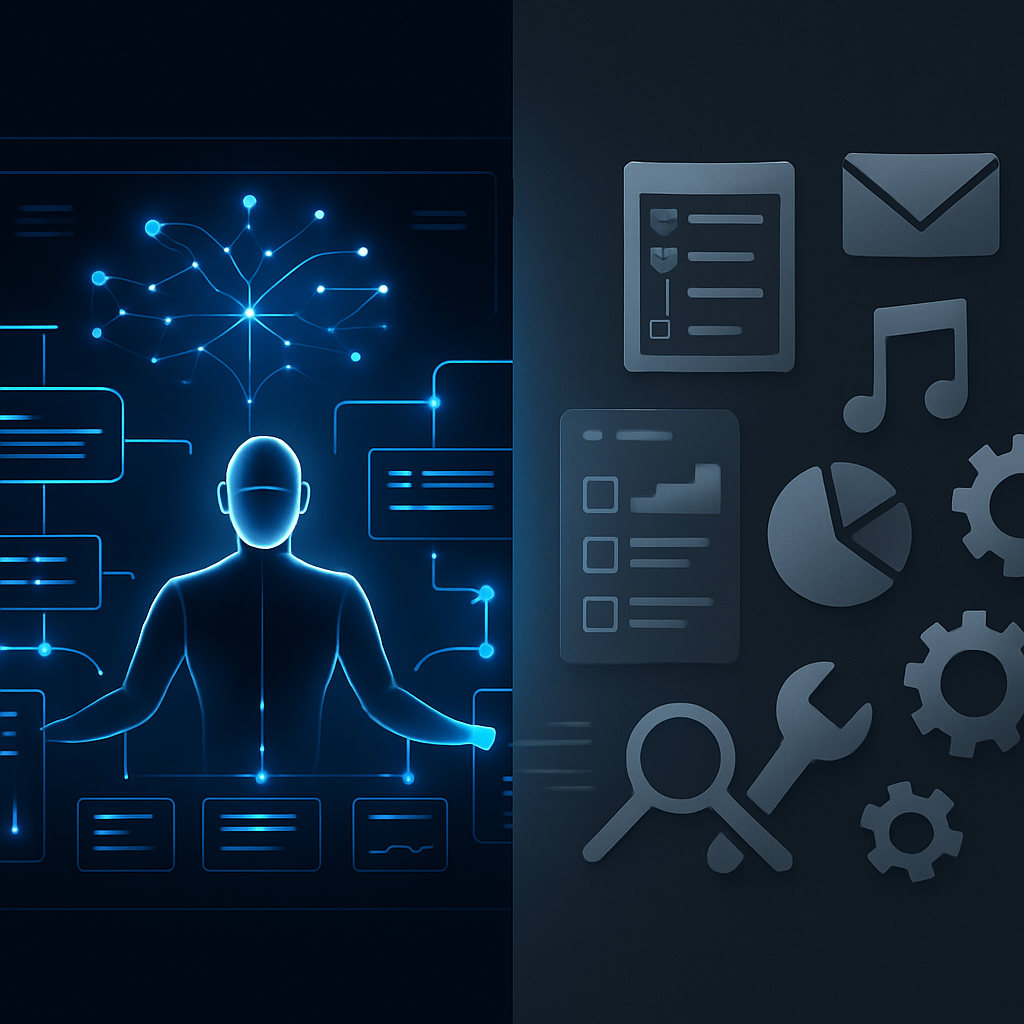 General-purpose automation tools move data between systems efficiently, but they are not built to run operations. This comparison explains where Accelimate AI fits differently and how to choose based on the actual work your team needs to manage.
Accelimate AI vs Automation Tools: A Category Difference, Not a Feature List
When comparing Accelimate AI vs automation tools like Zapier, Make, or similar general-purpose platforms, the first thing to understand is that they are solving different problems. General-purpose automation tools give you a canvas to connect apps and fire off actions when triggers occur. Accelimate AI is built to run the work itself, not just route signals between systems. That distinction changes everything about how a team actually operates day to day.
What General-Purpose Automation Tools Actually Do
Trigger-and-action platforms have real value. They are excellent at moving data between apps, sending notifications when events occur, and eliminating repetitive copy-paste work. You set a trigger, define one or more actions, and the tool executes that sequence automatically.
The model works well for point-to-point tasks: when a form is submitted, create a record in the CRM. When a new invoice arrives, log it in a spreadsheet. These are discrete, predictable handoffs between systems.
What that model does not handle cleanly is the messier middle ground where most business operations live: tasks that require judgment, multi-step coordination, human review at specific checkpoints, and ongoing visibility into whether work is actually getting done. General-purpose platforms hand you the wiring and leave the operational logic to you.
Where the Gaps Show Up
- Workflow status is not visible in one place. You may know an automation fired, but not whether the downstream work was completed.
- Human-in-the-loop steps require workarounds. Most trigger-action tools do not natively model a task that needs a person to act before the next step can proceed.
- Processes that span multiple departments get fragmented across separate automations with no unified view.
- When something breaks or stalls, diagnosing it means tracing through logs rather than seeing a clear operational picture.
None of this makes general-purpose tools bad. It means they are infrastructure, not execution hubs. They move data; they do not run operations.
How Accelimate AI Is Built Differently
Accelimate AI is designed as the place where work runs, not just where signals travel. It is the hub customers actually work in. That positioning shapes every part of how the product is structured.
Instead of starting with triggers and actions, Accelimate AI starts with the operational reality of a business: who is responsible for what, what steps need to happen in what order, where human judgment is required, and what done actually means for each process.
Execution Visibility
A general-purpose automation runs in the background and reports back whether it succeeded or failed at the system level. Accelimate AI gives teams visibility into work status at the operational level. You can see where a process is, who it is waiting on, and what is overdue, without digging through logs or querying a database.
For a business running client onboarding, vendor approvals, or recurring service delivery, that difference is practical rather than cosmetic. Knowing that 14 onboarding processes are in progress and three are stalled waiting on a document is actionable. Knowing that 14 automation sequences fired is not.
Human Tasks as First-Class Steps
In trigger-action tools, a human step is typically modeled as: send an email or Slack message, then wait. The platform has no reliable way to know whether the person acted, how long it took, or what they decided. The automation continues on a timer or not at all.
Accelimate AI treats human tasks as a native part of a workflow. A task assigned to a team member can hold the process at that step until it is completed, carry context the person needs to act, and log the outcome before passing work to the next stage. That is not a workaround; it is how the system is designed.
AI That Acts, Not Just Advises
Accelimate AI incorporates AI that participates in execution. This means AI can handle specific steps within a workflow, surface information at the right moment, or draft outputs that feed into the next stage, all within the same system where the rest of the work runs. General-purpose platforms can connect to AI APIs, but they do not integrate AI as an active participant in the operational flow.
Choosing the Right Tool for What You Actually Need
The comparison is not about which product is better in the abstract. It is about what kind of problem a team is trying to solve.
General-purpose automation tools are the right choice when:
- The need is to connect two or more apps with a defined, repeatable trigger-action sequence
- No human steps or judgment calls are part of the process
- The workflow is simple enough that a single automation covers it end to end
- The team has technical staff who can build and maintain automation logic
Accelimate AI fits when:
- Multiple people are involved in completing a process and accountability matters
- The business needs to see work in progress, not just completed transactions
- Processes include conditional paths, human approvals, or variable steps based on context
- AI should do more than generate a draft in isolation, it should participate in the operational sequence
- The goal is running the business through one hub rather than assembling a patchwork of automations
They Can Coexist
Many teams that use Accelimate AI still use general-purpose automation tools for the right jobs. If a new contact is added to the CRM and that needs to trigger an action in another system, a trigger-action tool handles that efficiently. Accelimate AI then takes over when that contact enters an onboarding process that requires coordination, decisions, and tracked completion.
Treating them as competing products in every context misses the point. The question is which layer of the operation each tool is responsible for.
The Practical Test Before You Commit
Before choosing between any platforms, map one real process that causes friction in the business right now. Write down every step, every person involved, every decision point, and every place where work stalls or gets dropped. Then ask which type of tool can actually model that process without significant workarounds.
If the process is a clean sequence of system-to-system actions, a general-purpose automation tool likely handles it well. If it involves people, judgment, and the need to see status in real time, that is the category of problem Accelimate AI is built for.
The planning and strategy layer of the suite is handled by Intellimate AI, and monitoring happens through Vigilimate AI. Accelimate AI is where execution runs. For teams that have tried to build operational processes on top of general-purpose automation and found themselves managing the automations instead of the work, that distinction is worth taking seriously.
Book a demo with the Accelimate AI team to walk through how your specific processes would run inside the platform before making a decision.
Tags