
AI Workflow Triggers vs. Schedules vs. Events: Choosing the Right Execution Model
October 30, 2026
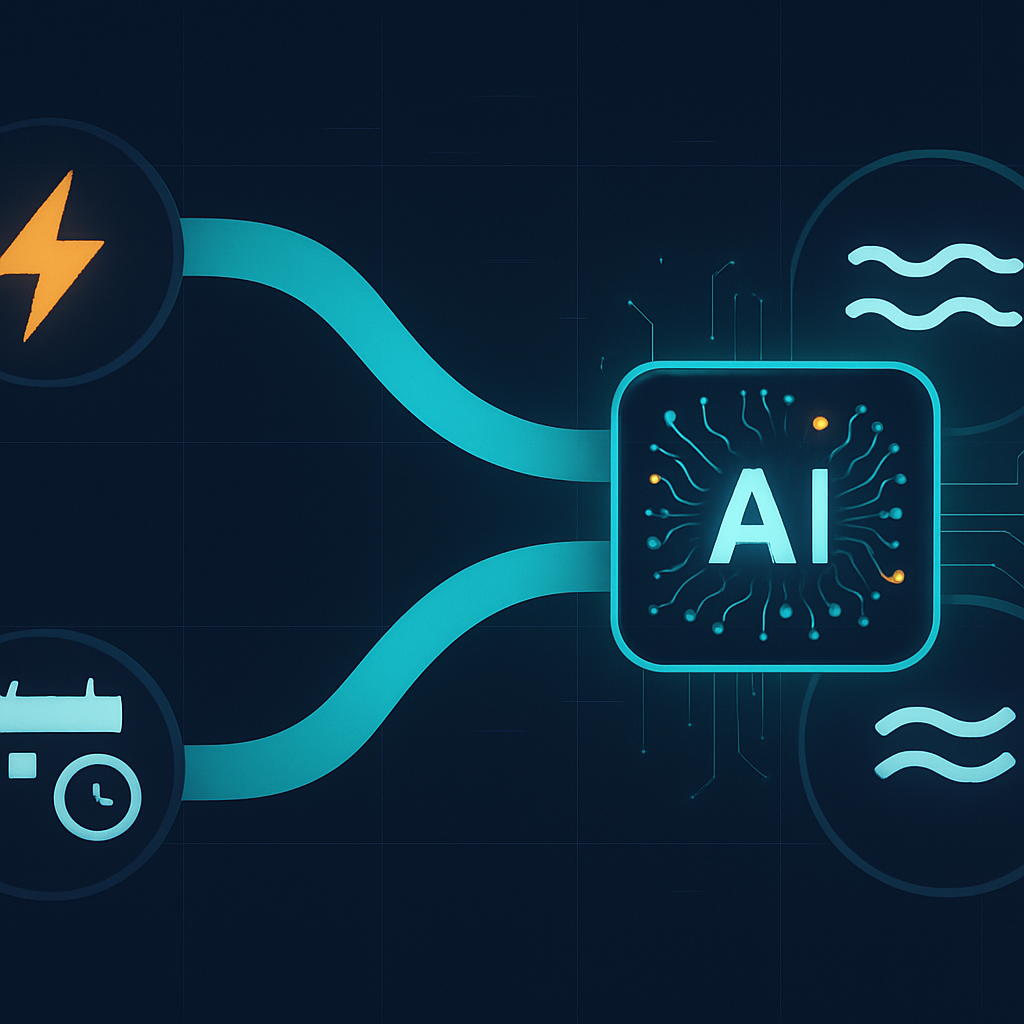 Choosing the right AI workflow trigger type shapes how a workflow performs under load and recovers from failure. This guide explains when to use manual, scheduled, and event-driven triggers, and how to combine them in Accelimate AI.
Three AI Workflow Trigger Types, One Decision That Shapes Everything
The choice of AI workflow trigger types is one of the most consequential decisions an operator makes when building automation in Accelimate AI. Get it right and workflows run exactly when they should, handle failures gracefully, and scale without supervision. Get it wrong and you end up with duplicated work, missed events, or systems that buckle under load. This guide lays out how each execution model works and which scenarios each one fits best.
What Each Execution Model Actually Does
At the highest level, there are three ways a workflow can start running: something asks for it directly, a clock fires it on a schedule, or a system signals that something worth acting on has happened. Each model has a fundamentally different relationship with time and state.
Manual and API Triggers
A manual trigger fires when a person or external system explicitly calls it. In practice this means a button click in Accelimate AI, an HTTP request from another application, or a webhook that another platform sends when a user completes an action.
This model is predictable in one specific way: the workflow runs exactly as many times as it is called, no more. That makes it a natural fit for:
- On-demand document processing, such as generating a proposal when a sales rep clicks a button
- Integrations where a third-party platform pushes data at unpredictable times
- Human-in-the-loop approvals where the workflow only continues after a person acts
The risk with manual and API triggers is volume. If an upstream system sends ten thousand webhook calls in five minutes, the workflow will attempt to run ten thousand times. Without rate limiting or queuing, this causes problems fast. Accelimate AI lets operators configure concurrency limits and queue depth, which is the first thing to set when a workflow accepts external calls.
Scheduled Triggers
A scheduled trigger fires on a calendar cadence, anything from every five minutes to once a month. The workflow does not care what has changed since it last ran. It simply executes on the clock and processes whatever it finds.
Schedules are the right choice when:
- Work is inherently batch-oriented, such as pulling a daily sales report or sending a weekly digest email
- The underlying data source does not emit events, so the only way to detect changes is to poll
- Timing matters more than immediacy, such as sending invoices at the end of a billing period rather than the moment a transaction closes
The main failure mode for scheduled workflows is overlap. If a workflow is set to run every ten minutes but occasionally takes twelve minutes to complete, two instances run simultaneously. This produces duplicate records, double-sent emails, or corrupted state. The fix is to enable idempotency checks inside the workflow and to set a maximum concurrency of one so the next run waits for the current one to finish.
Event-Driven Triggers
An event-driven trigger fires when a specific condition is met inside Accelimate AI or a connected system. A new row appears in a CRM, a support ticket is marked urgent, an AI model's confidence score drops below a threshold. The workflow wakes up in response to the state change itself, not because a timer fired.
This model delivers the lowest latency and the tightest connection between cause and effect. It works best when:
- Speed matters, such as routing a high-priority lead to a salesperson within seconds of form submission
- Work is sparse and unpredictable, so running on a schedule would waste resources during idle periods
- The trigger condition carries data the workflow needs, such as the specific record that changed
Event-driven triggers do carry a subtlety: at-least-once delivery. Most event systems guarantee that an event will be delivered, but not that it will be delivered exactly once. A network hiccup can cause the same event to arrive twice. Operators should treat every event-driven workflow as if it might run twice on the same input and write the logic accordingly, checking whether work has already been done before doing it again.
Choosing the Right AI Workflow Trigger Type for Each Use Case
The practical question is not which model is better in the abstract. It is which model fits the specific job the workflow is doing. A few questions help clarify the decision quickly.
How time-sensitive is the outcome?
If a customer expects a confirmation email within seconds of submitting a form, a schedule that runs every hour is the wrong answer. Use an event-driven trigger. If a finance team needs a monthly summary every first of the month at 8 a.m., a schedule is exactly right and an event trigger adds unnecessary complexity.
Who or what initiates the work?
When a human action always precedes the workflow, a manual or API trigger is the clearest fit. When the work originates inside the system itself, such as a record reaching a certain status, event-driven is more natural. When no external actor is involved and the work simply needs to happen regularly, scheduled is the simplest choice.
What happens if the trigger fires twice?
Every operator should answer this question before deploying a workflow. If the answer is "nothing bad," the workflow is inherently safe for any trigger type. If the answer is "a customer gets charged twice" or "a duplicate account gets created," the workflow needs explicit deduplication logic regardless of which trigger model is used.
Combining Trigger Types in a Single System
Most mature automation setups use all three models, each handling the part of the process it is best suited for.
Consider a customer onboarding system. An event trigger fires the moment a new customer record appears, sending an immediate welcome email. A manual trigger lets a customer success manager kick off a custom setup call whenever the timing makes sense. A scheduled trigger runs nightly to check whether any customers are still incomplete in their setup after 48 hours and sends a follow-up.
None of these three workflows conflicts with the others. They each respond to a different signal and serve a different purpose. The onboarding process is faster, more responsive, and more complete than any single trigger type could achieve alone.
Failure Behavior Is Part of the Design
Trigger selection also determines how the workflow behaves when something goes wrong mid-run. A scheduled workflow that fails simply does not complete its batch. Depending on retry configuration, it may try again immediately or wait for the next scheduled interval. The operator needs to decide whether a missed run is acceptable or whether the next run should catch up on the skipped work.
An event-driven workflow that fails is trickier because the event that fired it may not fire again. If a CRM record update triggers a workflow and the workflow fails halfway through, the record will not update a second time to re-trigger it. That means event-driven workflows need explicit error handling and, in many cases, a fallback scheduled sweep that catches any records that did not get processed the first time.
Manual and API triggers tend to put the retry responsibility on the caller. If a downstream API is unavailable when the workflow runs, the caller should receive a clear error and decide whether to try again. Accelimate AI returns structured error responses for this reason, making it straightforward for calling systems to implement their own retry logic.
Putting This Into Practice in Accelimate AI
When building a new workflow in Accelimate AI, the trigger configuration is the first node in the canvas. The interface separates manual, scheduled, and event-based triggers into distinct options so the decision is explicit rather than buried in settings.
For scheduled workflows, set the interval conservatively at first and monitor run duration before shortening the cadence. For event-driven workflows, enable the duplicate-detection option in the trigger node before going live. For manual and API triggers, set concurrency limits and review the queue behavior under a simulated load before connecting a production system.
The right execution model is specific to the job, not the technology. Operators who treat trigger selection as a design decision rather than a configuration detail build systems that stay reliable as volume grows and conditions change.
Open Accelimate AI, pick the workflow you want to revisit first, and check whether the trigger type matches the behavior you actually need from it.
Tags