
How Intellimate AI and Accelimate AI Work Together Across a Single Suite
October 4, 2026
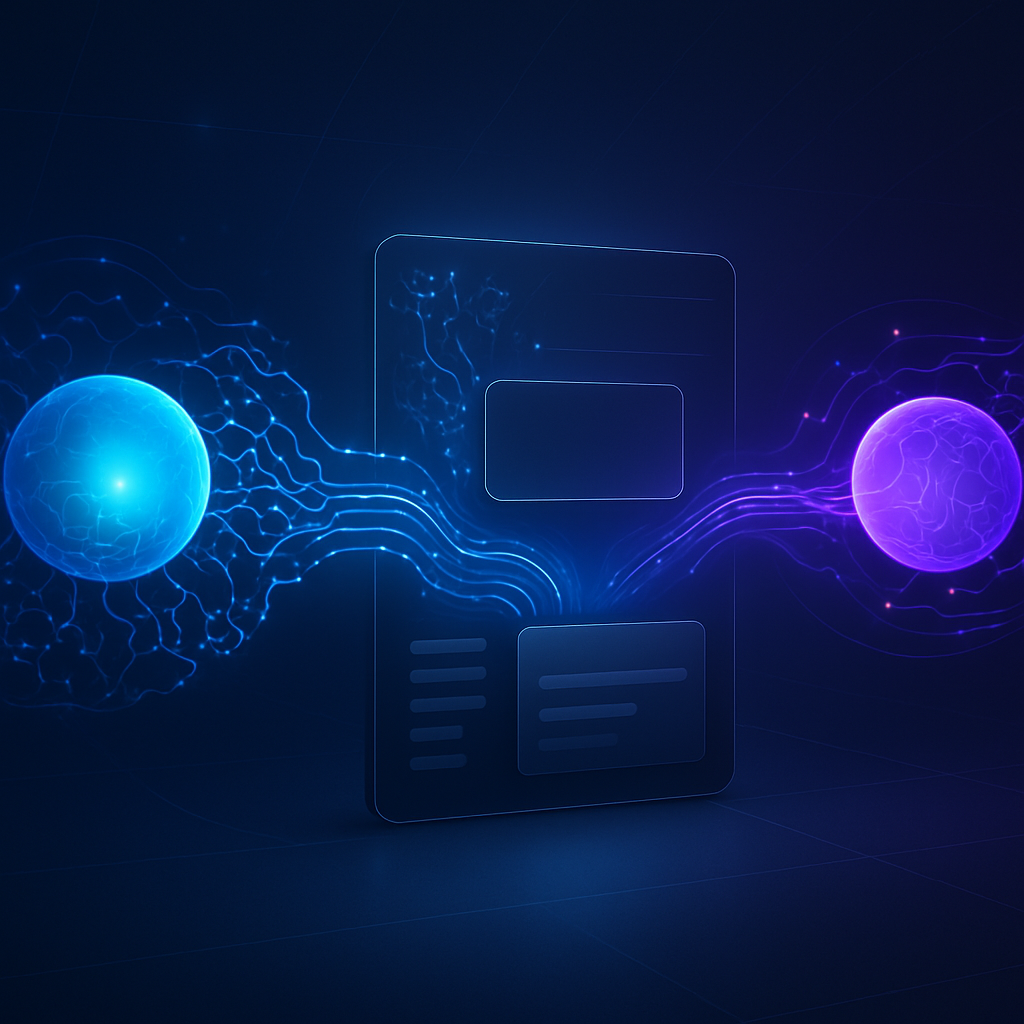 When Intellimate AI and Accelimate AI run together, insights don't stall in a dashboard. This guide explains how the intelligence layer triggers the Do layer automatically, and what that means for speed, consistency, and operational results.
Two Products, One Workflow
Intellimate AI Accelimate AI integration is what turns analysis into action. Most business intelligence tools stop at the insight: a chart updates, a score changes, a flag appears in a dashboard. The work of acting on that information still falls on a person who has to open another tab, update a record, send a message, or trigger a process manually. When Intellimate AI and Accelimate AI run together inside the same suite, that gap closes.
This guide explains how the two products connect, what that means for day-to-day operations, and where the combination produces results that neither product delivers on its own.
What Each Product Does on Its Own
Intellimate AI is the intelligence layer. It watches data, surfaces patterns, scores leads, flags risks, generates forecasts, and produces recommendations. Its job is to know things and to surface that knowledge at the right moment.
Accelimate AI is the Do layer. It runs workflows, manages task queues, routes work to the right people, and executes automations. Its job is to get things done, on schedule and in the right sequence.
Both products are useful in isolation. A company using Intellimate AI without Accelimate AI still gets better information. A company using Accelimate AI without Intellimate AI still gets better process discipline. But the moment the two products operate together, the intelligence layer can trigger the Do layer directly, without a human translating between them.
How Intellimate AI Accelimate AI Integration Actually Works
The connection between the two products is not a simple data export. Intellimate AI is built to pass structured signals, not raw data dumps, into Accelimate AI. When Intellimate AI identifies a condition worth acting on, it can initiate a workflow in Accelimate AI automatically.
A few concrete examples of how this plays out:
- A lead score crosses a threshold. Intellimate AI detects it and Accelimate AI immediately routes the contact to a sales rep, adds a task to their queue, and queues a follow-up communication.
- A customer health score drops below a set level. Intellimate AI flags the account and Accelimate AI triggers a retention workflow that assigns the account to a customer success manager and schedules a check-in.
- A forecast model identifies a likely inventory shortfall two weeks out. Intellimate AI generates the alert and Accelimate AI opens a purchase requisition process and notifies the relevant procurement contact.
In each case, the signal and the action are connected without manual intervention. The person responsible still makes decisions, but they receive a prepared task rather than a data point they need to interpret and act on from scratch.
Why Insights Stall Without the Do Layer
Dashboards are useful for monitoring. They are poor tools for execution. When Intellimate AI surfaces a recommendation inside a dashboard only, a few things tend to happen. Someone sees it and acts quickly. Someone sees it and adds it to a mental to-do list that gets deprioritized. Someone misses it entirely because they were not looking at the dashboard that day.
None of those outcomes is the fault of the intelligence. The intelligence was correct and timely. The problem is the gap between seeing something and doing something about it.
Accelimate AI eliminates that gap by making the action part of the workflow, not a downstream decision that depends on someone's attention and availability. The recommendation does not wait in a chart. It becomes a task, an assignment, a triggered process, or a notification that lands in the right place at the right time.
What Changes for Teams Using Both Products
Operations Teams
Operations staff spend less time interpreting reports and more time handling escalated work that genuinely needs human judgment. Routine decisions that follow predictable rules move through Accelimate AI automatically, informed by Intellimate AI's scoring and classification.
Sales and Account Management
Reps receive qualified, prioritized work rather than a list of accounts to review on their own. When Intellimate AI ranks a contact as high-priority, that ranking feeds directly into the task queue in Accelimate AI. A rep sees the account, the reason for the priority, and what action to take, all in one place.
Leadership and Planning
Forecasts produced by Intellimate AI can trigger planning workflows in Accelimate AI. If a revenue model shows a gap forming against a quarterly target, Accelimate AI can initiate a review process, assign owners, and set deadlines, rather than waiting for someone to notice the forecast in a weekly report.
Setting Up the Connection
The integration between the two products is managed inside Accelimate AI, which serves as the central hub where workflows are built and configured. Intellimate AI signals appear as triggers that can be mapped to specific workflow actions.
The setup process follows a few logical steps:
- Identify the signals from Intellimate AI that should drive action. This might be a score threshold, a classification change, a risk flag, or a forecast result.
- Map each signal to a workflow in Accelimate AI. Define what happens when the signal fires: who receives the task, what the task contains, what deadline applies, and what follow-up steps are scheduled.
- Test the connection with real data before activating it at scale. Confirm that the signals fire under the right conditions and that the resulting tasks are routed correctly.
- Review the workflow regularly. Signals and thresholds may need adjustment as business conditions change.
Most teams begin with one or two high-impact signals rather than trying to connect every Intellimate AI output at once. Starting narrow makes it easier to validate that the logic is correct before expanding.
What to Expect After Integration
The immediate change most teams notice is speed. The time between an insight being generated and a task being assigned drops from hours or days to seconds. That compression matters most in situations where timing is the difference between a good outcome and a missed one: renewing a contract before a competitor makes contact, responding to a churn signal before a customer disengages, or acting on a supply risk before it becomes a shortage.
The second change is consistency. When Intellimate AI signals feed directly into Accelimate AI workflows, the same logic applies every time. There is no variation based on who happened to check the dashboard and what they decided to do about it.
The third change is visibility. Because actions are initiated and tracked inside Accelimate AI, teams have a clear record of what happened in response to which signal. That audit trail is useful for reviewing decisions, improving processes, and demonstrating that the intelligence layer is producing real operational impact, not just interesting charts.
Expanding an Existing Intellimate AI Deployment
For organizations already running Intellimate AI, adding Accelimate AI does not require replacing any existing configuration. The intelligence layer continues to do everything it already does. Accelimate AI adds the ability to act on what Intellimate AI produces.
The most effective starting point is to identify one place in your current operation where insights from Intellimate AI regularly sit idle because there is no clear handoff to an action. That friction point is where the integration delivers the fastest and most measurable return.
From there, the connection can expand across as many workflows as the team has capacity to configure and test. There is no requirement to automate every decision. The goal is to remove the friction from the decisions that follow predictable rules, so that human attention is available for the decisions that do not.
Reach out to your account contact to schedule a walkthrough of how Accelimate AI can be connected to your existing Intellimate AI setup.
Tags