
How to Build a Repeatable Client-Onboarding Workflow in Accelimate AI
October 24, 2026
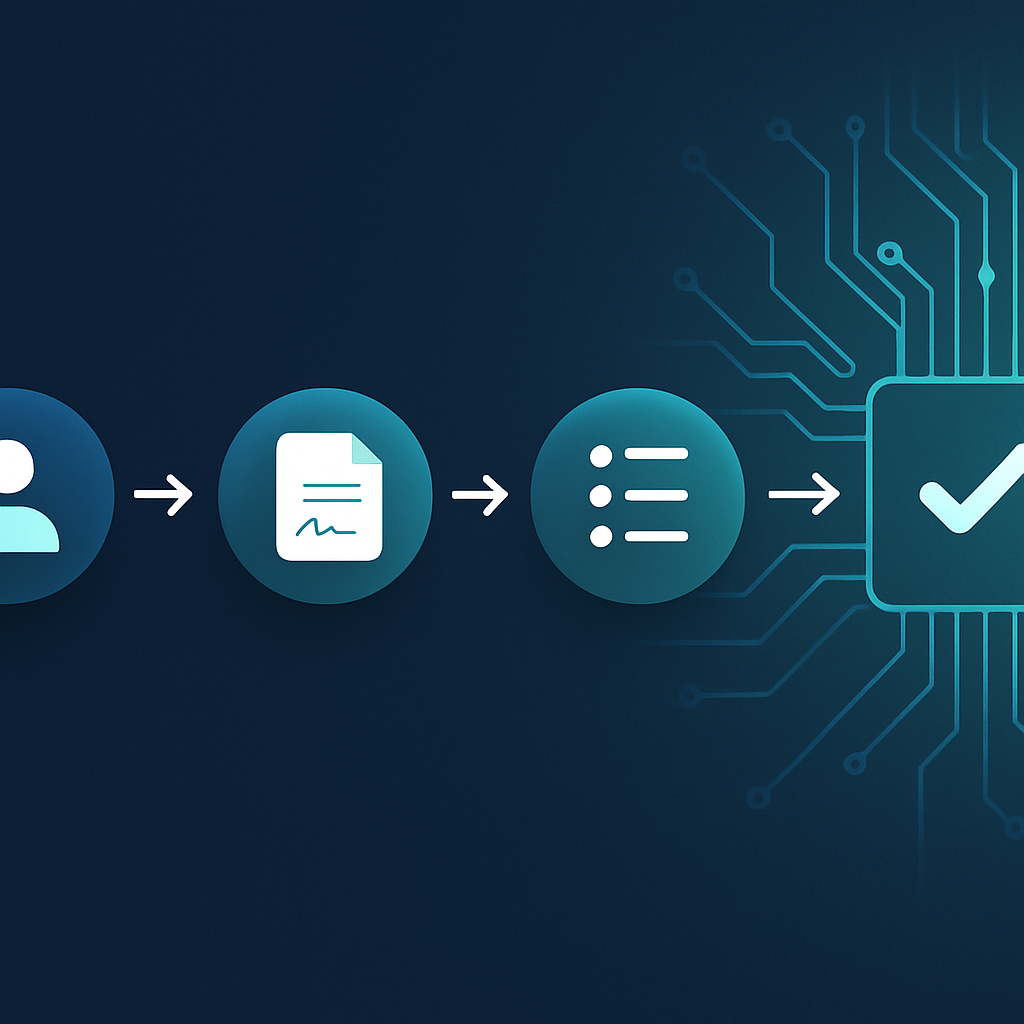 Building a repeatable client-onboarding workflow in Accelimate AI means connecting a trigger, automated setup steps, client communication, and internal task assignment into one sequence that runs the same way every time. This guide walks through each phase with specific steps and logic any service business can apply.
Why Client Onboarding Is the Right Workflow to Automate First
Service businesses that automate client onboarding workflow see the benefit immediately because onboarding is repetitive, deadline-sensitive, and touches almost every tool in the stack. A new client signs, and within hours someone needs to send a welcome email, create a project folder, assign tasks, collect documents, and schedule a kickoff call. Done manually, that sequence takes time and introduces gaps. Built once in Accelimate AI, it runs the same way every time.
This post walks through how to build that workflow from scratch, using the tools available inside Accelimate AI, so the result is something a team can actually rely on.
What a Finished Client-Onboarding Workflow Looks Like
Before building anything, it helps to know the destination. A complete onboarding workflow typically moves through four phases:
- Trigger: something signals that a new client is confirmed
- Setup: records, folders, and accounts are created
- Communication: the client receives structured outreach
- Handoff: internal tasks are assigned and tracked
Each phase can be handled by a different node in Accelimate AI. The goal is a chain where completing one step automatically starts the next, with no one manually copying information from a CRM into a task manager.
Step One: Define the Trigger
Every workflow starts with an event. For client onboarding, the most common triggers are a signed contract, a completed intake form, or a status change in a CRM record. Inside Accelimate AI, the trigger node sits at the top of the workflow canvas and determines what kicks everything off.
Choosing the right trigger type
If the business uses a form tool to collect signed agreements or intake data, a form-submission trigger works well. If deals close inside a CRM, a record-update trigger watching for a status like "Closed Won" is more reliable. The key question is: where does the team already record that a client is confirmed? Start there, not somewhere new.
Once the trigger is set, test it with a real or sample record before connecting any subsequent steps. A trigger that fires inconsistently will corrupt everything downstream.
Step Two: Build the Setup Phase
The setup phase handles the behind-the-scenes work that has to happen before the client ever hears from anyone. This usually includes creating a client record, setting up a shared folder, and provisioning any tools or logins the client will need.
Creating records automatically
Add an action node that writes a new contact or project record to whatever system the team uses for project tracking. Map the data fields from the trigger directly into this node. Client name, email address, contract value, start date: all of it should flow in without anyone typing it again.
Provisioning folders and files
A second action node can create a folder in the team's document storage, name it using the client's name from the trigger data, and copy in any template files like a kickoff agenda, a project plan, or an NDA tracker. This step alone saves ten to fifteen minutes per new client and eliminates the situation where a team member forgets to set up the folder until the kickoff call is already happening.
Step Three: Automate Client Communication
Once the internal setup is done, the workflow moves to outbound communication. Most onboarding sequences include at least three messages:
- A welcome email sent immediately after the trigger fires
- A request for any outstanding documents or information
- A calendar invite or scheduling link for the kickoff call
In Accelimate AI, each of these is a separate action node. That structure matters. Keeping them separate means they can be edited, delayed, or conditionally skipped without rebuilding the whole sequence.
Using conditional logic in communication
Not every client needs the same message. A returning client who already has a relationship with the team does not need the same welcome email as a brand-new contact. A condition node can check whether the incoming client record has a "Returning" flag and route the workflow to a shorter, warmer message if it does.
This kind of branching takes five minutes to set up and makes the communication feel considered rather than generic.
Step Four: Assign Internal Tasks
The final phase of onboarding is the internal handoff. Someone needs to own the relationship, someone needs to schedule the kickoff, and someone needs to verify that the setup phase completed correctly. These tasks should be created automatically, not left to a Slack message that gets buried.
Task assignment by role
Inside Accelimate AI, an action node can create tasks in the team's task manager and assign them to specific users or roles. A sensible set of default tasks for a new client might include:
- Account manager: confirm welcome email was received and schedule kickoff
- Project lead: review the project folder and confirm files are in place
- Finance: verify contract details against the invoice system
Due dates on these tasks can be set dynamically using the client start date from the trigger data. If the client starts in ten days, the task to confirm the kickoff can be due in three.
How to Automate Client Onboarding Workflow Variations
A single workflow handles the standard case. Real businesses have clients who fall outside the standard case. Accelimate AI handles this through branching and sub-workflows.
High-value clients
A condition node can check contract value. If it exceeds a defined threshold, the workflow branches to a path that adds extra steps: a handwritten note task for the account manager, a notification to a senior team member, or an additional welcome call scheduled automatically.
Different service lines
If the business offers distinct services, the trigger data will usually include which one was purchased. A condition node reading that field can route the workflow to a service-specific path that loads the right folder templates, assigns the right team members, and sends a message relevant to that service.
The goal is one workflow that handles variation through logic, not five slightly different workflows that someone has to maintain in parallel.
Testing Before Going Live
A workflow that has not been tested is a liability. Before turning on any automated onboarding sequence, run it against at least two test records: one that follows the standard path and one that should hit a conditional branch.
Check that:
- All records are created with the correct field values
- Emails are sent from the right sender address with the right content
- Tasks are assigned to the correct users with accurate due dates
- Conditional branches fire correctly based on the test data
Fix any issues before the workflow touches a real client. Most problems show up in field mapping, where a data value from the trigger does not match the format expected by a downstream node. Accelimate AI surfaces these errors in the run log, which makes them straightforward to trace.
Maintaining the Workflow Over Time
An onboarding workflow is not a one-time build. Services change, team structures shift, and clients give feedback that reveals gaps in the sequence. Build in a habit of reviewing the workflow every quarter, checking the run log for errors, and updating the task assignments or email templates when the business changes.
The run log inside Accelimate AI shows every execution, what triggered it, which steps completed, and where any failures occurred. A fifteen-minute review of that log each month catches small issues before they become patterns.
Open Accelimate AI, start with the trigger node, and build the first phase today.
Tags