
The Difference Between Automating a Task and Automating a Process
October 26, 2026
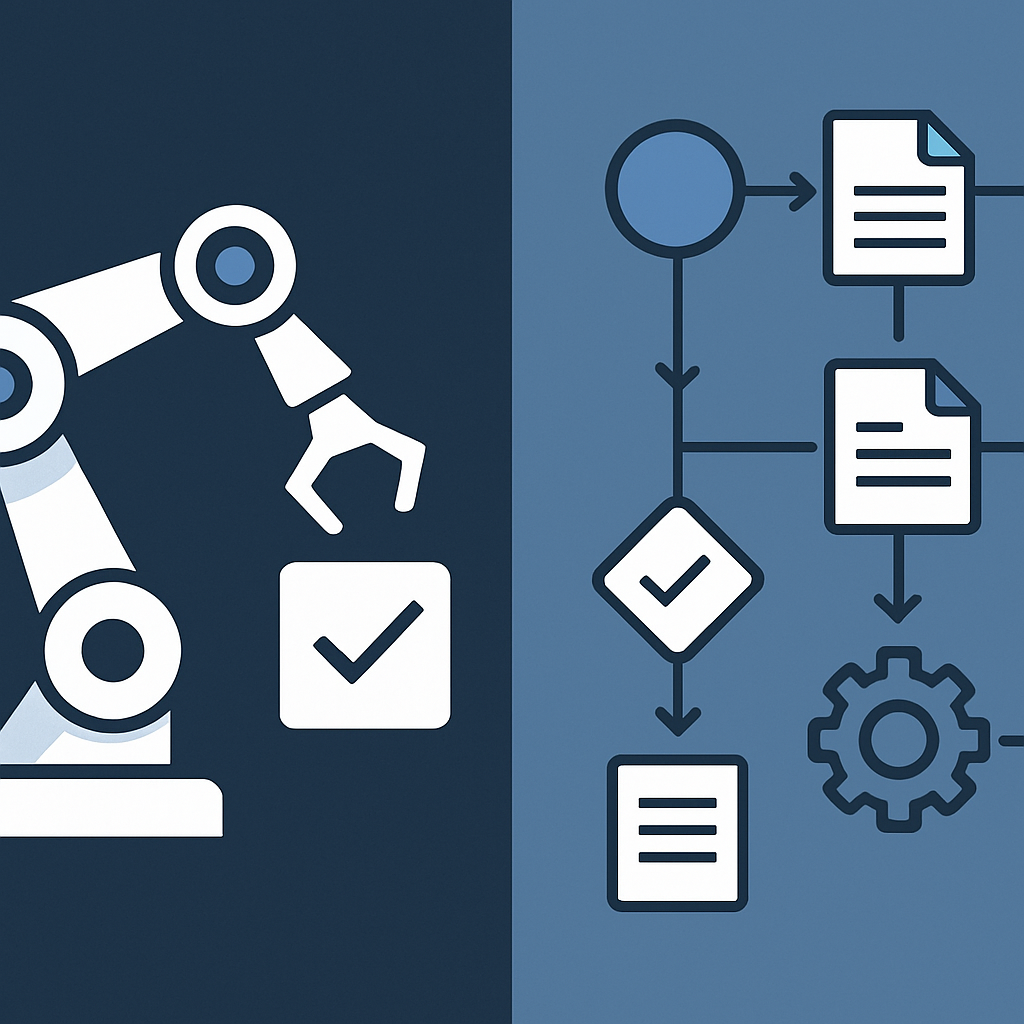 Automating a single task saves a step; automating a connected process removes the coordination work between steps. This post explains the difference and why it determines whether AI adoption produces real throughput gains or just shifts bottlenecks elsewhere.
One Automation Saves a Step. The Other Saves a Day.
The gap between task automation vs process automation is where most AI initiatives either pay off or stall. Automating a task means a single action runs without human input, a form gets submitted, a file gets renamed, a message gets sent. Automating a process means the entire sequence of connected steps runs from trigger to outcome, with decisions, handoffs, and exceptions handled along the way. The difference sounds subtle. The operational impact is not.
Teams that automate tasks but not processes often end up with a different bottleneck, not fewer of them. The robot fills in the spreadsheet; someone still has to check it, route it, and decide what happens next. Hours saved at one point in the workflow pile up as delays at the next.
What Task Automation Actually Does
Task automation targets a discrete action: extract data from an email, update a record, generate a report. These point solutions are fast to build and easy to justify. They produce visible, measurable results quickly, which is why they tend to be where businesses start.
The problem is that most tasks only matter in context. A lead capture form that auto-populates a CRM record saves a few minutes of data entry. But if the next step, assigning the lead, scoring it, notifying the right person, scheduling a follow-up, still requires someone to log in and make decisions, the automation has not changed how the work moves. It has changed who does one small piece of it.
Common examples of task automation
- Sending a confirmation email when a form is submitted
- Logging a call in a CRM after it ends
- Converting an uploaded file to a different format
- Pulling a daily report from a database
Each of these is useful. None of them, on its own, removes the coordination work that surrounds them.
What Process Automation Does Differently
Process automation covers the full arc of work: the trigger that starts it, every step that follows, the conditions that determine which path the work takes, and the endpoint where the outcome is delivered or handed off. The goal is not to eliminate one action but to eliminate the need for a human to manage the sequence at all.
A sales onboarding process, for example, might include:
- A signed contract arriving by email
- A record being created in the project management system
- The right team members being notified based on the deal type
- A welcome sequence being triggered for the client
- An intake form being sent and the responses routed to the correct folder
- A kickoff meeting being scheduled automatically once the form is complete
Any one of those steps could be automated as a task. But automating the full sequence means no one has to watch each step finish and start the next one. Work moves on its own because the logic that connects each step is built into the system.
Where the handoffs live
Most operational drag sits not inside tasks but between them. The two-minute data entry job is not the problem. The four-hour wait while something sits in a queue, or gets overlooked because the person who handles it was in meetings, is the problem. Process automation addresses the gaps by encoding the logic of handoffs: what triggers the next step, what conditions change the route, and what happens when something goes wrong.
This is why an execution hub approach matters. When automation runs from a central place that holds the full context of a workflow, conditions and exceptions can be evaluated in real time. When automation is stitched together from disconnected point tools, the context is fragmented, and edge cases fall through the gaps between systems.
Why the Distinction Matters for AI Adoption
AI adds a specific complication here. An AI step in a workflow, whether it is classifying a document, drafting a reply, or making a routing decision, needs inputs and produces outputs. If it is embedded in a task automation, it does its job and stops. If it is embedded in a process, its output becomes the trigger for the next step, and the next, until the work is done.
A business that uses AI to draft customer responses but still has someone manually copying those drafts into a ticketing system has not built a process. It has added a capable tool to a fragmented chain. The AI saves writing time; the manual steps around it limit how much that time saving actually changes throughput.
When task automation is the right choice
Process automation is not always necessary. Some tasks are genuinely standalone and do not connect to a larger sequence. Automating them as individual steps is appropriate when:
- The action has no meaningful downstream dependency
- The volume is low enough that manual coordination costs are negligible
- The task is experimental and the broader workflow is not yet defined
Starting with task automation is also a reasonable way to build confidence and gather data before committing to end-to-end process design. The mistake is treating task automation as the destination rather than the starting point.
Designing for the Full Process
Moving from task automation to process automation requires mapping the work before building the solution. That means identifying every step between the trigger and the outcome, the decisions that determine which path work takes, and the people or systems involved at each point.
A few practical questions to ask before building:
- What event starts this process, and how consistently does that event occur?
- What does the work need to accomplish before it can be considered done?
- Which steps require a decision, and what information does that decision depend on?
- Where do exceptions happen, and who handles them today?
- What systems need to send or receive data for the process to complete?
The answers to these questions reveal whether a task automation solves the problem or whether the problem requires an end-to-end approach. In most operational contexts, the answer is end-to-end.
The role of an execution hub
An execution hub is a system that holds the logic of processes, not just the mechanics of individual tasks. It tracks state across steps, evaluates conditions, routes work to the right place, and surfaces exceptions without requiring a human to monitor the queue. Accelimate AI is built to serve this function, connecting AI-assisted steps, human approvals, and system integrations inside workflows that run from start to finish without falling apart at the handoffs.
Point-solution tools can automate tasks. An execution hub automates the work itself, the full arc of decisions and actions that a process requires to actually produce an outcome.
Shifting Bottlenecks vs. Removing Them
Task automation shifts bottlenecks. The manual step that took twenty minutes disappears, and pressure moves to the next manual step in the chain. Teams that measure only the step they automated see time savings. Teams that measure the whole process often find that throughput has not improved as much as expected.
Process automation removes the coordination overhead entirely. When the logic of the full sequence is encoded into a system, work does not wait for someone to notice that the previous step is done. It moves because the system knows what comes next.
That is the practical test: after the automation runs, does someone still need to pick up the work and carry it forward? If yes, there is a process automation opportunity waiting to be built. If no, the work is running on its own, and the hours saved are real.
Map the full sequence of a recurring process your team handles manually today, identify where handoffs stall, and book a conversation with Accelimate AI to see how an execution hub can close those gaps.
Tags