
What Is an AI Do Layer and Why Your Tech Stack Needs One
September 28, 2026
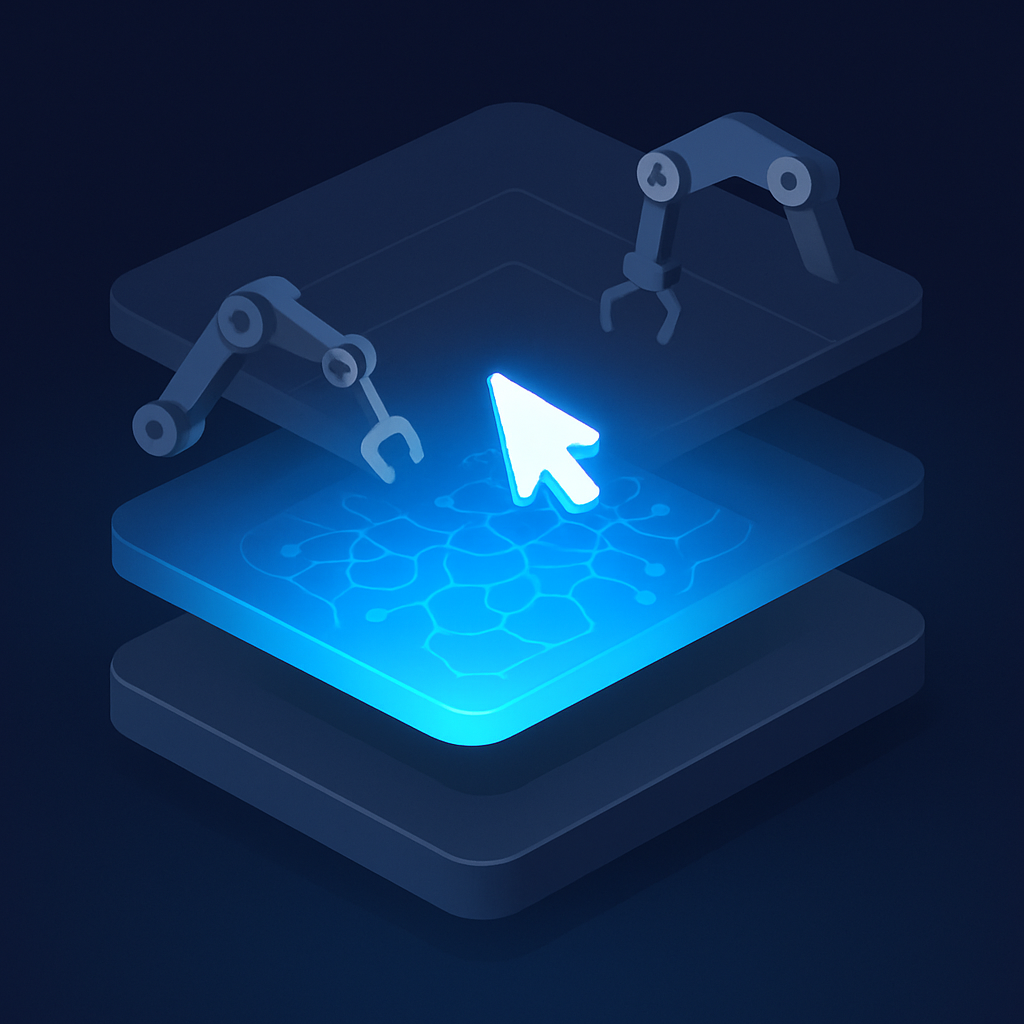 Most AI tools generate insights but stop short of acting on them. An AI do layer sits between your intelligence tools and your record systems, executing the work that would otherwise wait in someone's queue.
The Gap Between AI Insight and Completed Work
The AI do layer explained simply: it is the part of your tech stack that executes work, not just analyzes it. Most AI tools in production today are built to surface information, score risks, generate drafts, or flag anomalies. What they do not do is close the loop, send the email, update the record, trigger the next step, and confirm it happened. That gap is where productivity stalls and where an execution layer earns its place.
As organizations move from AI pilots into production workflows, the complaint that surfaces most often is not "the AI got it wrong." It is "the AI told us what to do, but the work still sat in someone's queue." An execution layer solves that specific problem.
Three Layers Most AI Stacks Already Have
To understand what the do layer is, it helps to see what already exists in a typical AI-augmented tech stack.
- The intelligence layer generates outputs: predictions, recommendations, summaries, classifications. This is where large language models, machine learning models, and analytics engines live.
- The visibility layer monitors and alerts. It watches data, surfaces anomalies, and tells someone when something needs attention.
- The record layer stores data: CRMs, ERPs, databases, and file systems.
Each of these layers is well developed and widely adopted. What connects them, and acts on their outputs, is often a patchwork of manual steps, Zaps, and one-off automations that nobody fully owns. That patchwork is the gap the do layer fills.
What the AI Do Layer Actually Does
An AI do layer explained in operational terms: it is the hub where automated workflows run, decisions get acted on, and the status of every task is visible and traceable. It sits between your intelligence tools and your record systems, and it handles the execution that neither of those layers was built for.
Concretely, this means a do layer can:
- Receive a signal from an analytics tool ("this lead scored 92") and immediately trigger a sequence of actions: assign ownership, create a task, draft an outreach message, and log everything back to the CRM.
- Watch a document approval workflow, send reminders at defined intervals, escalate after a deadline, and record the final decision without anyone managing the process manually.
- Pull structured outputs from an AI model, validate them against business rules, and route different outcomes to different downstream systems automatically.
The do layer does not replace the intelligence layer. It consumes its outputs and acts on them at machine speed, which is the part human workflows cannot reliably match.
Why This Is Not Just Automation
Traditional automation tools, rule-based scripts, simple integrations, scheduled jobs, execute fixed logic on fixed triggers. They are useful, but they break when conditions change, require technical upkeep, and cannot handle ambiguous inputs.
An AI do layer is different in two ways. First, it can interpret variable inputs, including natural language outputs from AI models, and route them sensibly. Second, it learns from context rather than requiring every condition to be pre-coded. When a customer response falls outside the expected categories, a rule-based automation fails silently or routes to a catch-all. An AI execution layer can read that response, infer intent, and take an appropriate action.
That flexibility is what makes it viable for production workflows rather than only for predictable, repetitive tasks.
The Business Cost of Not Having One
Organizations that have adopted AI for analysis but not execution often describe the same pattern. The AI flags a churn risk. A report gets generated. Someone reads the report on Tuesday, creates a task on Wednesday, and the customer receives an outreach call on Friday. By that point, the window for intervention has narrowed considerably.
Speed is one cost. Consistency is another. When execution depends on people remembering to act on AI outputs, quality varies by person, by workload, and by time of day. An execution layer removes that variation. The same input produces the same sequence of actions every time, with every exception logged.
There is also a visibility problem. Without a do layer, it is difficult to answer basic operational questions: What happened after the AI flagged this issue? Was the action taken? Who confirmed it? A purpose-built execution layer makes those questions answerable by default.
How Accelimate AI Functions as a Do Layer
Accelimate AI is built specifically to serve as the execution hub that most AI stacks are missing. It connects to your existing intelligence tools and record systems, and it runs the workflows that turn their outputs into completed work.
Where Accelimate AI differs from general automation platforms is in how it handles AI-native inputs. It is designed to receive outputs from tools like Intellimate AI, which handles intelligence and analysis, and Vigilimate AI, which handles monitoring and risk, and act on them directly without requiring manual re-entry or translation into a separate system.
The practical result is a stack that closes its own loops. Intellimate AI identifies an opportunity. Vigilimate AI surfaces a risk. Accelimate AI executes the response, and records that it did so, with full context.
What That Looks Like in Practice
A sales team using this stack might see Intellimate AI score and prioritize inbound leads, Vigilimate AI flag when a high-value deal has gone quiet, and Accelimate AI automatically schedule a follow-up task, draft a re-engagement message for rep review, and update the deal stage in the CRM. No manual queue. No dropped handoff. The rep sees a prepared action, not a raw alert.
A finance team might see Vigilimate AI flag a vendor invoice that deviates from contract terms. Accelimate AI routes it to the right approver, sets a deadline, sends a reminder if the deadline passes, and logs the resolution. The exception gets handled the same way every time, regardless of which team member is on duty.
Choosing an Execution Layer for Your Stack
When evaluating whether an AI do layer fits your current stack, three questions are worth working through:
- Where does work stop moving? Map a few existing AI-assisted workflows and find where outputs sit before someone acts on them. That delay is what an execution layer eliminates.
- What inputs does your AI generate? If your intelligence tools produce structured scores and classifications, a simpler automation layer might suffice. If they produce natural language, recommendations with conditions, or variable outputs, you need a layer that can interpret rather than just route.
- How much process visibility do you need? If auditability, compliance, or SLA tracking matters in your workflows, you need a layer that logs execution, not just triggers it.
The answers usually point to the same conclusion: organizations that have invested in AI for insight but not for execution are running at a fraction of the return those tools could produce.
Execution Is the Missing Investment
Most AI budget goes toward models, data infrastructure, and dashboards. Execution gets handled by whoever has time. That imbalance explains why AI adoption scores remain high while productivity gains remain uneven. The intelligence is there. The action is not.
A dedicated do layer changes the ratio. It means every AI output has a defined path to completion, every exception has a handling rule, and every completed action is recorded for review. That is not a marginal improvement in workflow. It is the difference between AI as a reporting tool and AI as an operational system.
Start by auditing one workflow where AI currently produces an output that a person then has to manually act on, and use that as the first candidate for execution layer automation.
Tags